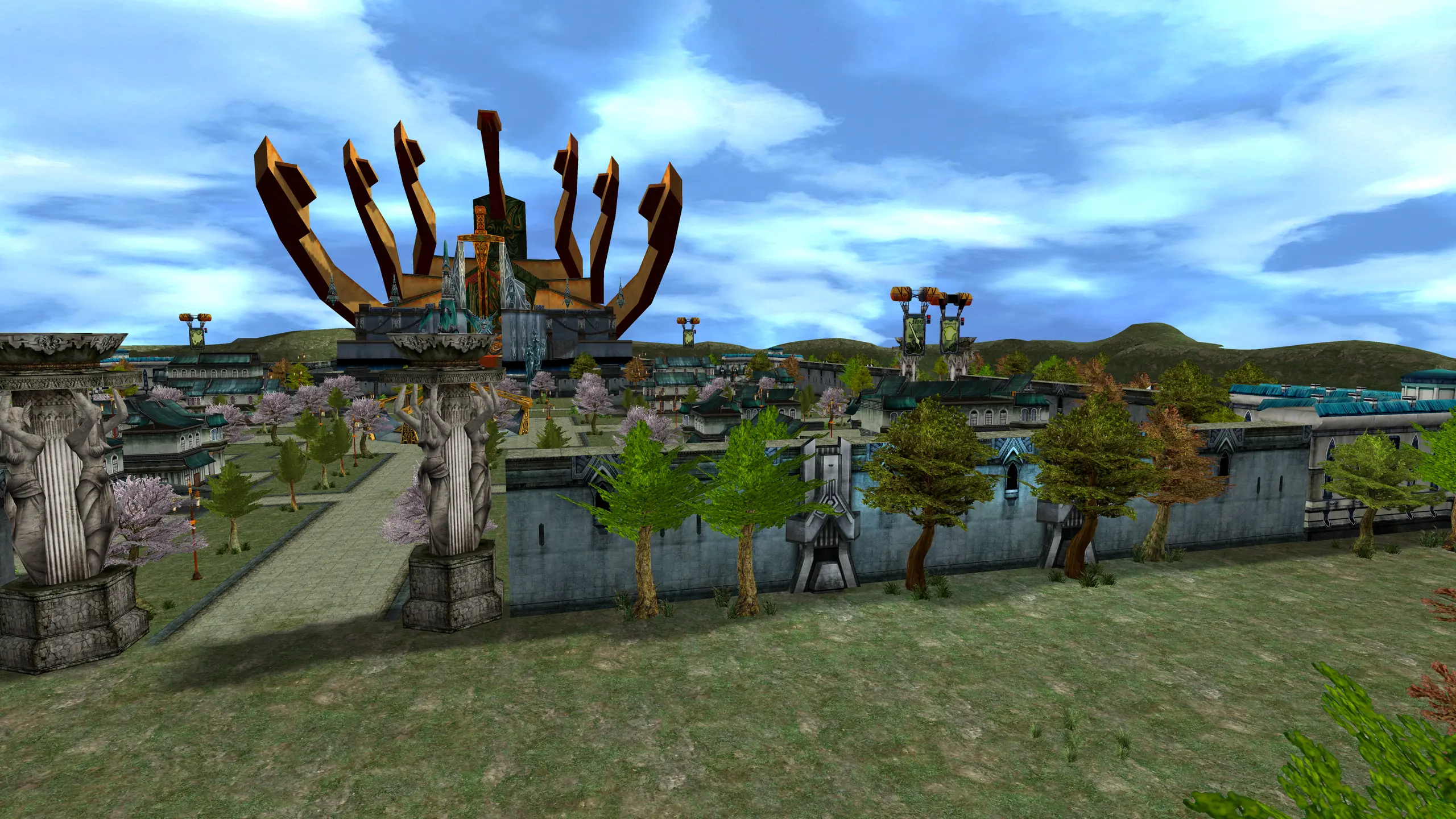
2003 · fantasy · 2 versions
Gate to Heavens
A 2003 fantasy MMORPG, rebuilt in Go. Two editions: Classic, kept as it shipped, and Modern, with a rebuilt interface and content of our own.


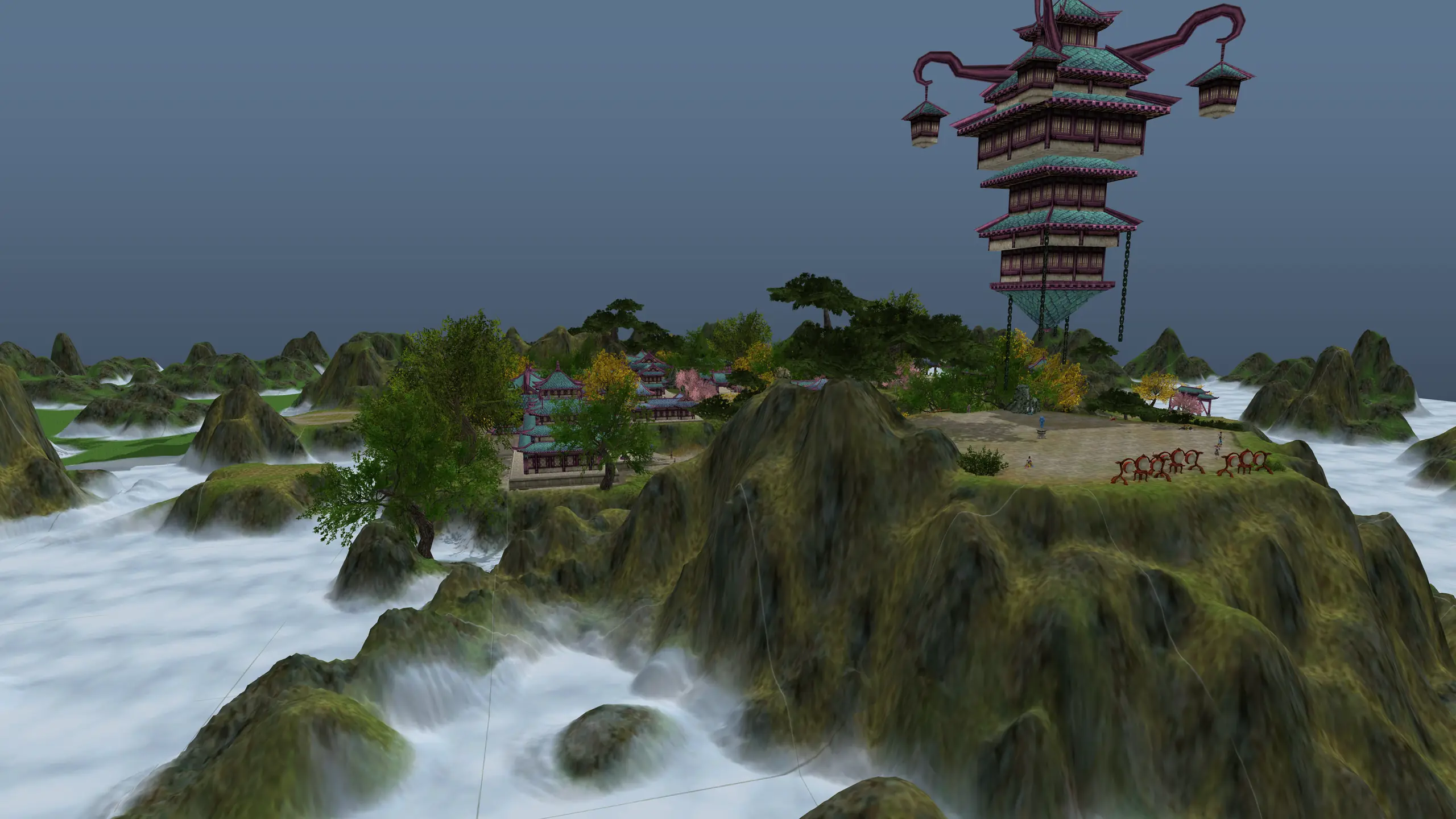


The MMORPGs we grew up on, back online. Every server here is written from scratch on one Go framework and speaks the original client byte for byte. Run your own world, mod it with GoMMO Studio, or play on ours once our servers are back up.
Each family is one original game, and each version of it is its own server, because the client changed between them.
A 2003 fantasy MMORPG, rebuilt in Go. Two editions: Classic, kept as it shipped, and Modern, with a rebuilt interface and content of our own.
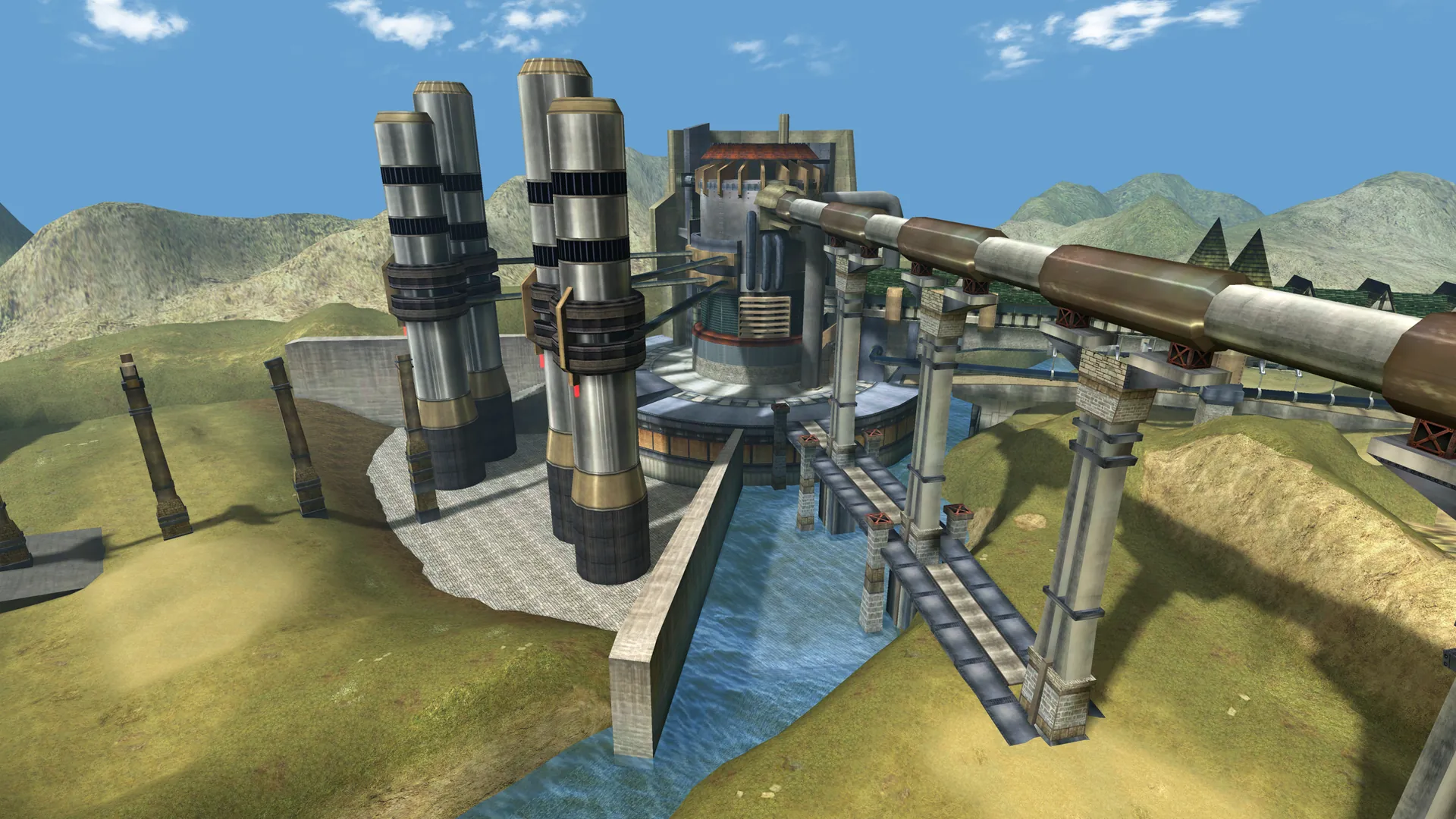
A sci-fi MMO where three races fight over one mine: Bellato mechs, Cora magic and Accretia gunmetal. Each episode is its own server and its own client.
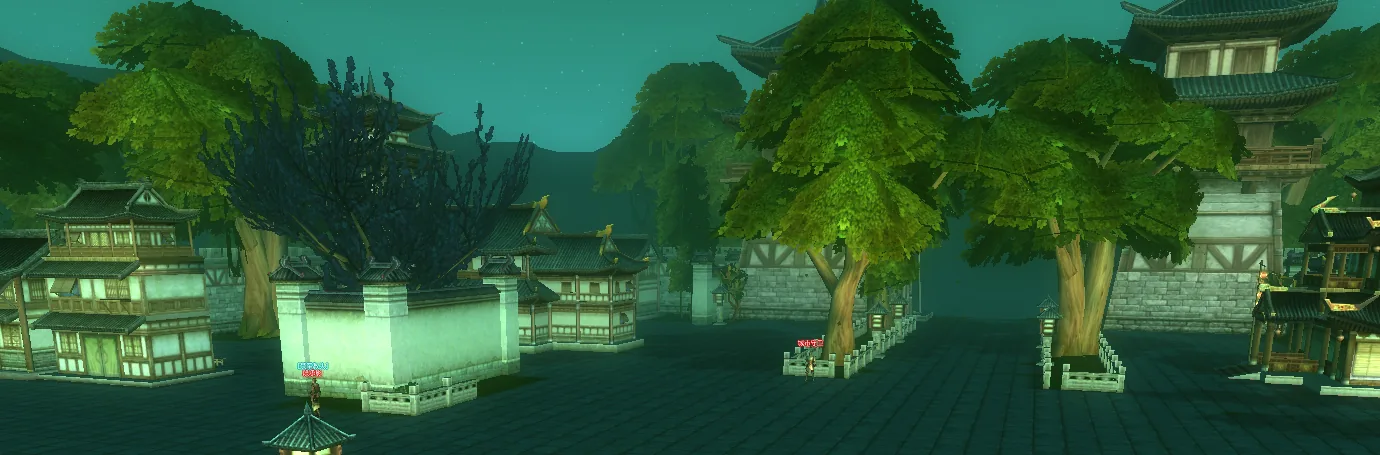
A fantasy MMO of eight warring kingdoms, with guilds, mounts, pets and a weekly nation war.
A fix to the core reaches every game, and a game added later starts with all of it in place. Game logic, opcodes and content stay with each game.
Releases, forum threads and bug reports in one channel, the way a game's chat window shows everything at once.
[] [Bug] DS-019 OSO AI moved it to Fixed: The "Accept quest 1[Main]Beginner" window keeps opening even after finishing the quest
[] [Bug] RF455-150 OSO AI moved it to Response Required: Subject: [Bug] Gameserver crashes every 30-46 minutes with "fatal error: invalid runtime symbol table"
[] [Bug] RF455-140 OSO AI moved it to Response Required: Beast Mountain Teleport Scroll Sends Players to Elan
[] [Bug] RF455-139 OSO AI moved it to Response Required: Generators and Charms Cannot Be Stacked
[] [Bug] RF455-143 OSO AI moved it to Response Required: Four-Piece Elemental Set Bonus Not Working
[] [Bug] RF455-142 OSO AI moved it to Response Required: PT Does Not Reach Grand Master at Level 80
[] [Bug] RF455-144 OSO AI moved it to Response Required: Red Haired Splinter Monster Has Incorrect Aggression Behavior
[] [Bug] RF455-149 OSO AI moved it to Response Required: Wind Weapons Not Available for All Applicable Classes
[] [Bug] RF455-147 OSO AI moved it to Closed: Missing NPC for White Excelsiar Used in Towers
[] [Bug] RF455-146 OSO AI moved it to Response Required: Ether Teleport Option Missing
[] [Bug] RF455-148 OSO AI moved it to Closed: Level 80 Council Armor Not Available
[] [Bug] RF455-145 Recks replied: Race Buff Support Does Not Work on Same-Race Players
[] [Bug] RF455-141 Recks replied: Elan Teleport Sends Players to Outcast's Land
[] [Bug] RF455-154 Recks replied: [RF 4.55] Force Attack Damage Scaling Bug — Server Calculates Almost 3× the Character Information Attack Stats
[] [Bug] DS-017 OSO AI moved it to Duplicate: The "Energy Pills" Event can't be completed on Map 10004
[] [Bug] RF455-133 OSO AI moved it to Fixed: RF 4.55: empty combine recipes, Halloween weapons, the Level 50 Armor Set Coupons, and the self-select vouchers
[] [Bug] RF455-156 Mr.Chen reported it: 地磁靈石自動拾取BUG
[] [Bug] RF2232-497 kongzboy replied: Animus doesn't get aggro by monster
[] [Bug] RF455-136 jimmy replied: [RF 4.55 Dragonborn v0.5.1] Critical Animus Aggro Redirection, Attack Delay Loss, Corpse Targeting, and DP Recovery Bugs
[] [Release] GoMMO Studio 2.1.0
[] [Idea] IDEA-4 Ron commented: Multitab Feature
[] [Release] GoMMO Studio 2.1.1
[] [Idea] IDEA-15 Ron moved it to Released: Add linux compatibility
[] [Bug] RF15-139 raxion replied: Debug NPC?
[] [Bug] RF15-140 raxion replied: NPC Mount and Max Money value
[] [Bug] RF15-144 raxion replied: Problem on check item
[] [Bug] RF15-145 raxion replied: Mining
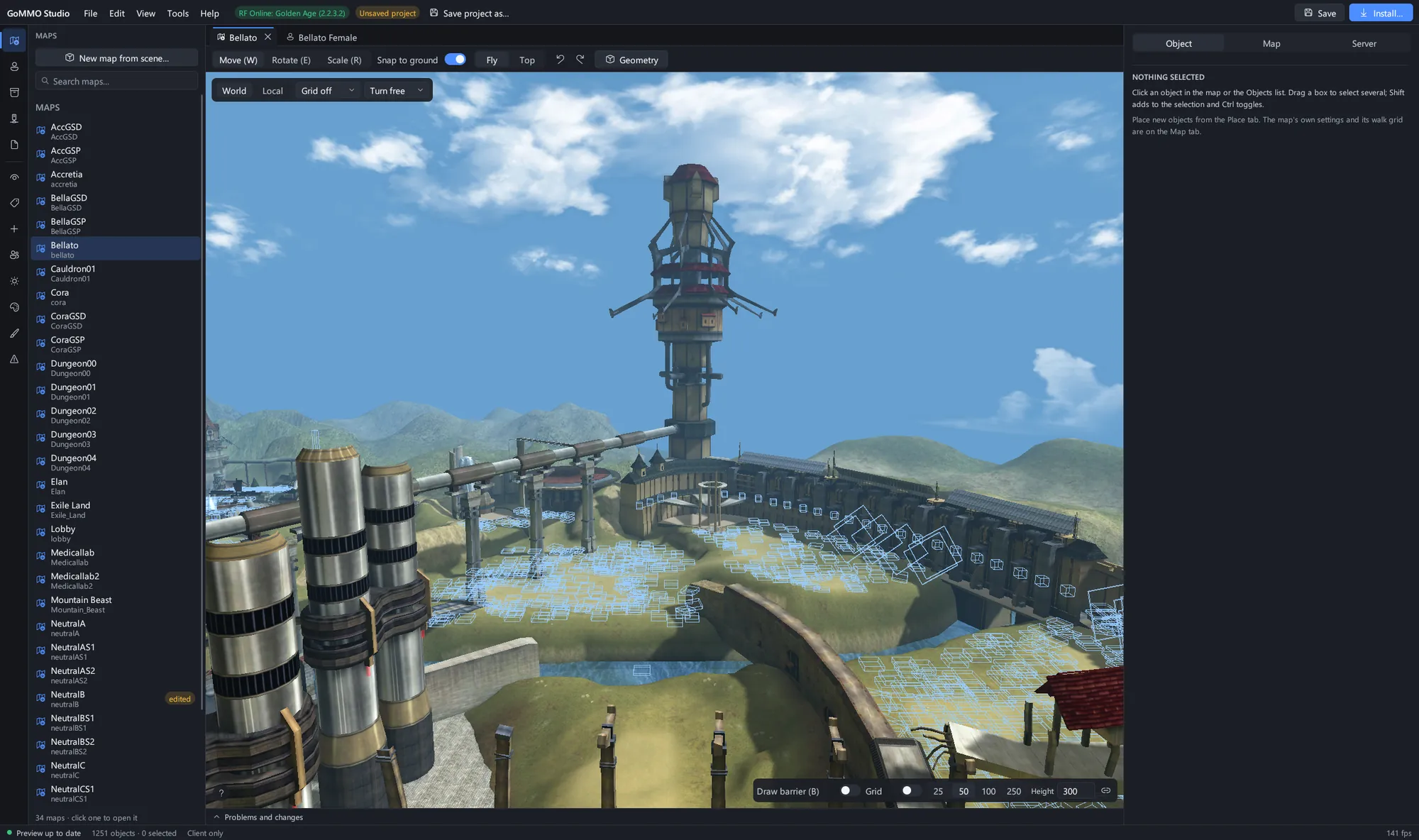
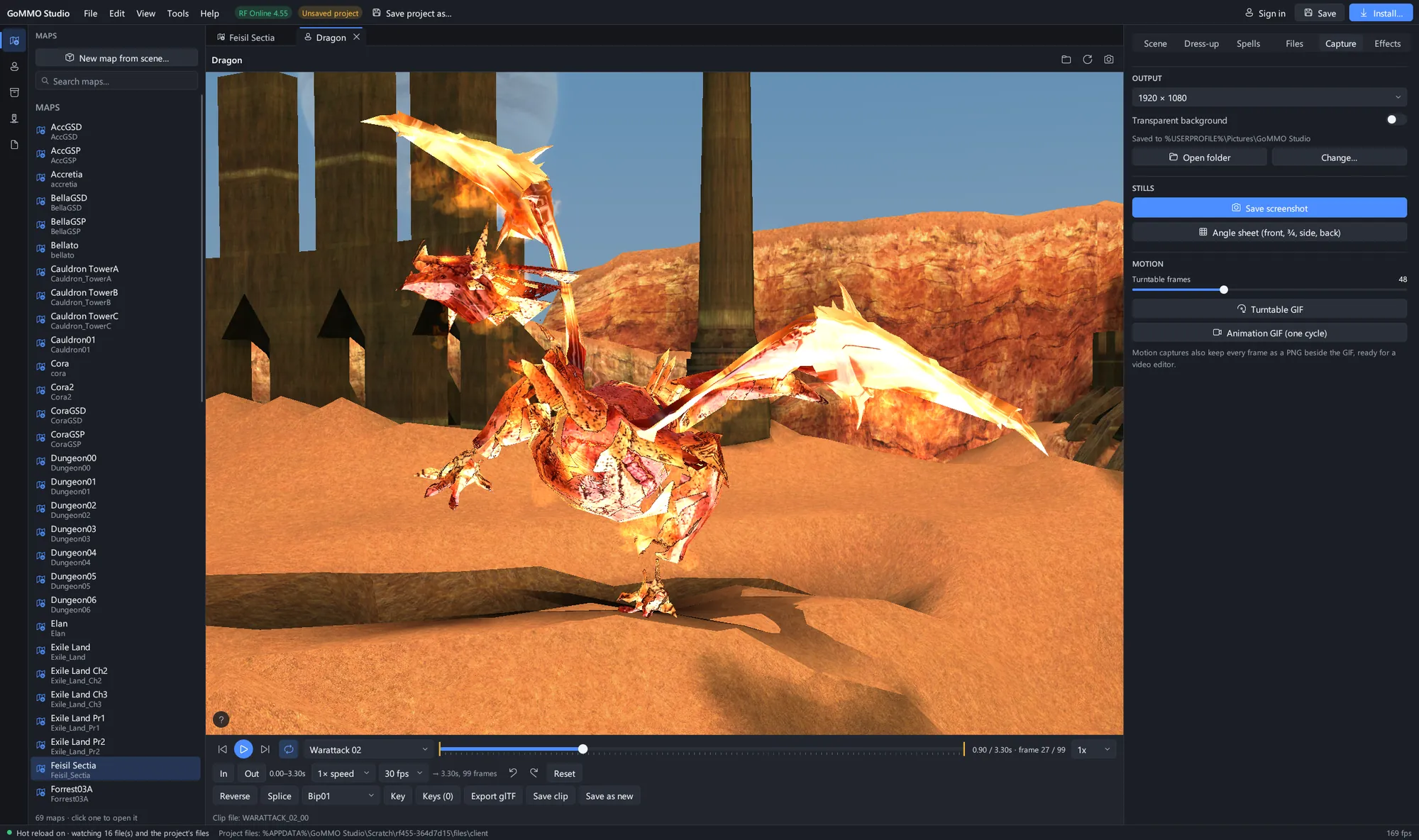
Open a game client and edit its world. Maps, models, spells and textures for every game on the framework, in one window, with an Install step that writes the client and server files and keeps backups.
A release bundle has the server, its data and a fresh database. Nothing else to install.
Pick a game and a version from Downloads.
SQLite is the default, so the databases build themselves on first start. Switch to MySQL when you need it.
One process serves every world for that game. Point the client at it and log in.
Your Old School Ops account covers everything here: the downloads, the docs, the forum and bug reports today, and logging in to our game servers once they are back up.
Download a server bundle for any game, read the setup docs, and report what breaks so the fix lands for everyone.
Edit maps, models, spawns and textures in GoMMO Studio, then install the changes into your own client and server.
Log in to our public servers with the same account when they return, and follow every release on the forum until then.